New in Fabman: Nuki Smart Lock Integration, Copy Equipment & Packages, and More
We don’t post here very often, but that doesn’t mean we’ve been idle. Here are a few things we’ve shipped over the past months that we haven’t gotten around to writing about yet:
Nuki Smart Lock Integration
Fabman now integrates directly with Nuki Smart Locks. Connect your Nuki account to Fabman via OAuth in your space’s integration settings, then link individual Nuki locks to your equipment. When a member interacts with the equipment bridge, the system executes your chosen Nuki action – whether that’s a simple unlatch for door strikes, or Lock ’n’ Go for fully automated locking.
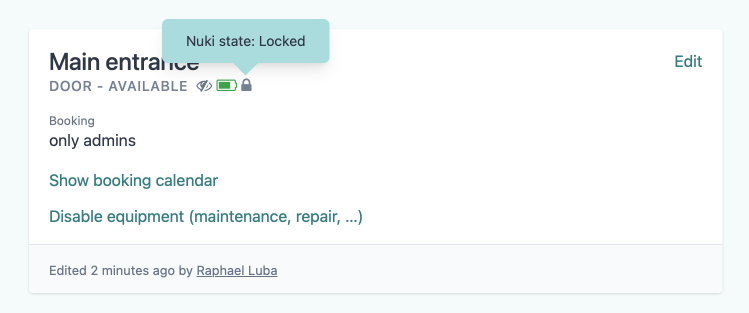
The equipment detail page shows the current lock state and battery level at a glance. Battery status is also highlighted in all equipment lists when it drops below 40%, so you can replace or recharge the batteries before members get locked out. Fabman periodically fetches the latest status via Nuki’s API.
Copy Equipment and Packages
Setting up equipment or packages with the same configuration used to mean re-entering every setting from scratch. Now you can create a copy of any existing equipment or package with a single click.
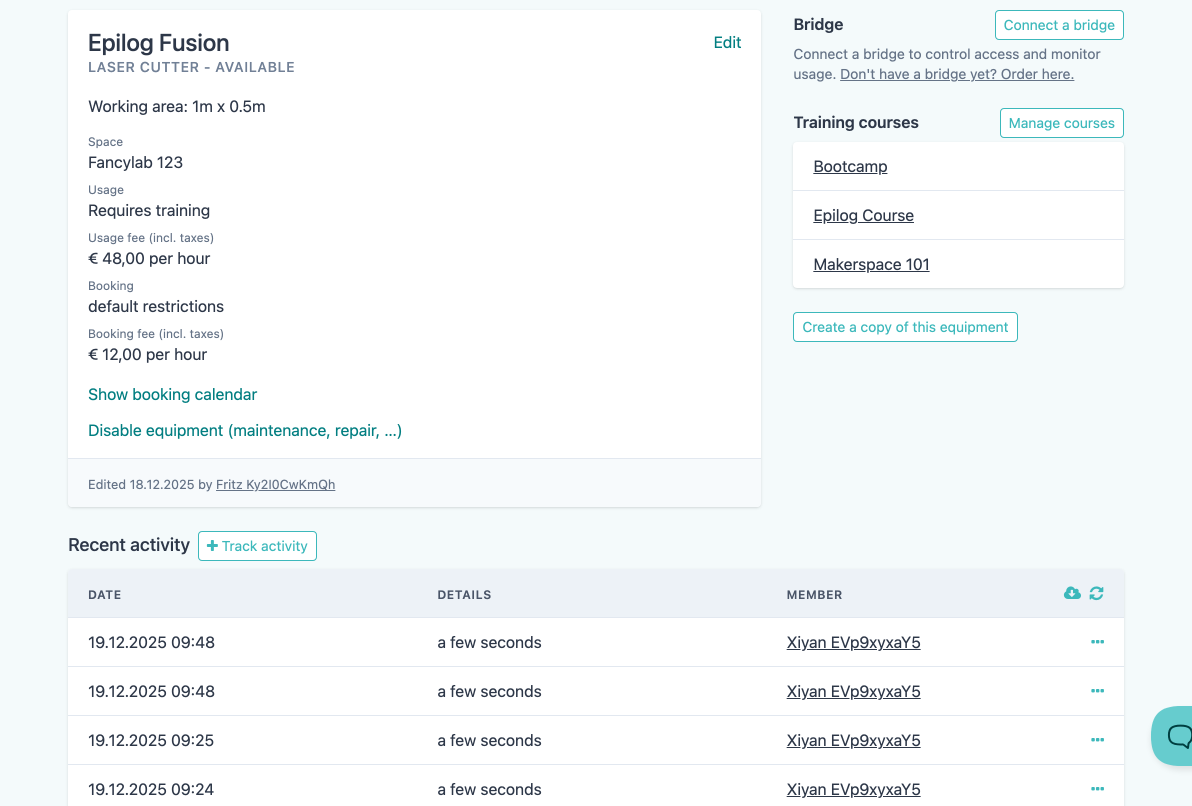
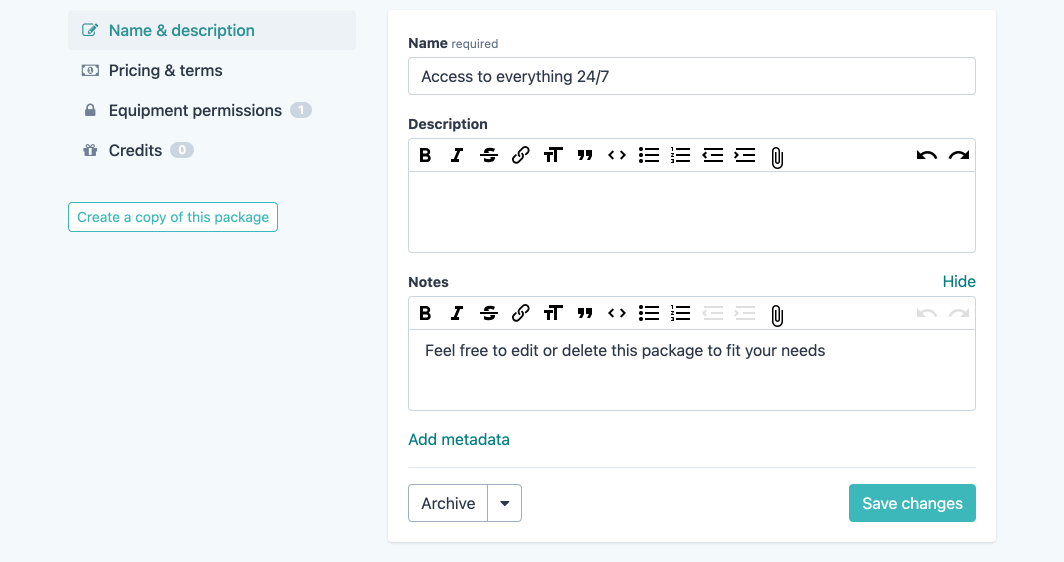
Click “Create a copy” on any equipment or package detail page, give it a new name, and Fabman creates a duplicate with all settings intact.
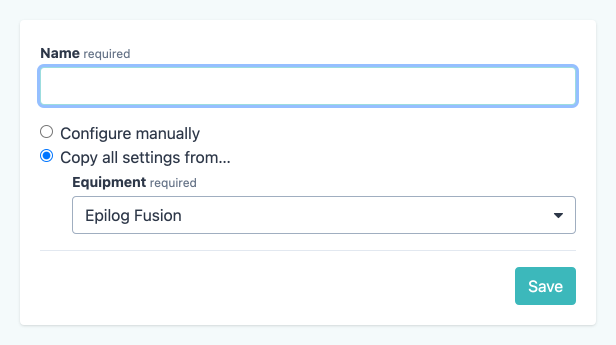
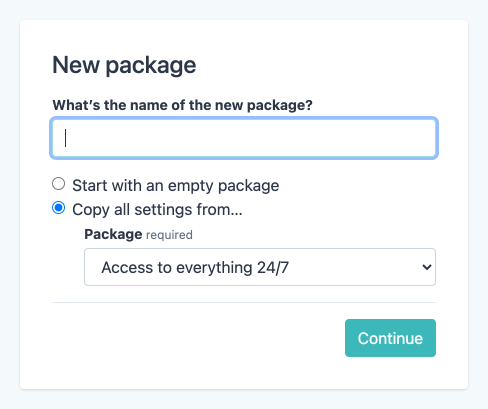
For equipment, this copies everything: pricing, access rules, timetables, training course requirements, safety settings, and more. For packages, it duplicates pricing, permissions, credits, and duration settings. You can then adjust the copy as needed – a much faster starting point than configuring from scratch, especially for spaces with many similar machines.
“Requires Check-In” for Equipment
There’s a new equipment setting: “Requires check-in”. When enabled, members must check in at your space before they can turn on or use that equipment.
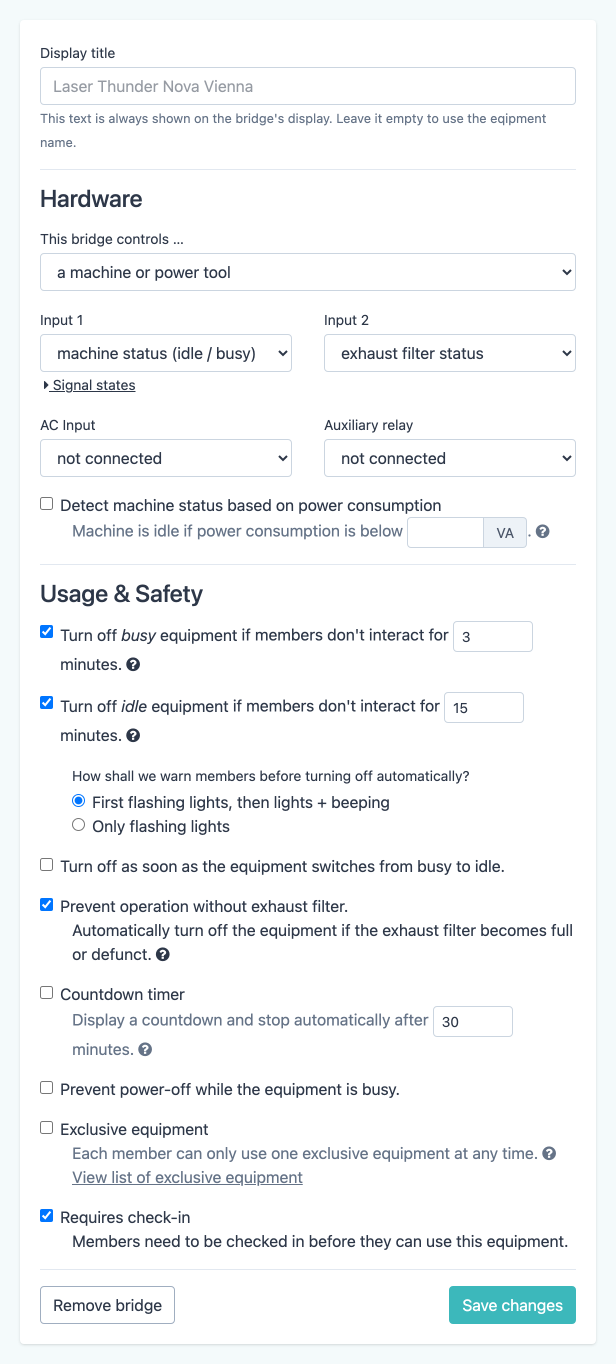
This is useful for spaces that want to enforce physical presence – for example, to ensure someone is actually on-site before they can operate a laser cutter or CNC machine remotely via a booking. If a member tries to activate the equipment without checking in first, they’ll see a clear error message explaining what to do.
Member-Initiated Prepayments
Members can now top up their account balance directly from the member portal, without waiting for an admin to initiate the payment.
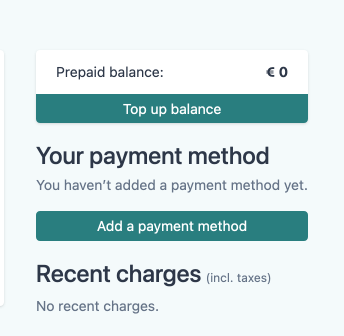
They choose the amount they want to prepay, and Fabman processes it via Stripe. This allows members with prepaid plans to add funds whenever they want, keeping their balance positive without any back-and-forth with your staff.
Accessibility Improvements
We’ve made extensive improvements to the accessibility of both the admin app and the member portal:
- Color contrast: Updated text and UI colors to meet WCAG AA contrast ratios across both apps.
- Keyboard navigation: Dropdown menus, booking forms, and the user menu can now be fully operated with the keyboard. Dropdowns close on Escape, and focus moves predictably through interactive elements.
- Screen reader support: Added ARIA landmarks, screen-reader-only headings, and proper label associations so that screen readers can navigate the apps more effectively.
- Focus indicators: All interactive elements now show visible focus styles, including checkboxes, tabs, and list items.
These changes affect both apps and don’t alter any existing workflows – they simply make Fabman more usable for everyone.
Other Changes
Here are some of the other improvements we’ve shipped since the last blog post:
- Booking notes and metadata: Admins can now add notes and metadata to bookings, similar to how it already works in many other places.
- Statement descriptor: You can now customize the statement descriptor that appears on your members’ credit card statements for Stripe payments. Head to your space settings to set it up.
- You can now delete cancelled invoices and cancellation invoices from the admin app.
- New auxiliary relay option: “Signal” – a new control type for bridges that sends a signal pulse instead of switching on/off (as of firmware 5.15.0).
- Unverified users are now automatically verified when they successfully reset their password – one less thing to worry about.
- Changed date labels to use “today”, “tomorrow”, “yesterday” instead of relative day names like “last Thursday”, which was occasionally confusing.
- SEPA exports: Added support for the older 008.001.02 SEPA format, for banks that don’t accept the newer standard yet.
- Improved padding and formatting in invoice emails for a cleaner look.
- Fixed that re-sent invitation emails could incorrectly say “deleted member X invited you”.
- Fixed Apple Pay domain registration on test-mode-only Stripe accounts.
- Fixed that “new …” buttons were not Ctrl-clickable (to open in a new tab).
- Fixed an error when re-submitting the next billing date from the admin app.
- Member app: Fixed several minor issues with the booking calendar, including bookings that only partially overlapped the visible area.
- Fixed that the overview page’s “show only opening hours” label overlapped with the date when check-ins were present.
- Bridge firmware 5.14.3: Fixed a crash on boards without ADC calibration data.
- Bridge firmware 5.14.4: Bridges no longer enter the setup screen after a reboot if there is no WiFi and no admin keys configured.